VictoryLine provides the necessary mentorship to help you install and configure MetaTrader 4 and MetaTrader 5, which serve as the primary gateways to global financial markets. We focus on ensuring that you are technically prepared and fully understand the operational features of these platforms before you connect to a live broker server. Our support is strictly educational and technical, focusing on the framework of the software rather than the provision of trading signals or automated strategies. By establishing a solid technical foundation, we help you navigate the complexities of platform management with precision and regulatory awareness.



We provide step-by-step guidance on downloading and installing MetaTrader software across various devices, including desktop computers and mobile systems. This includes ensuring that the software is sourced from official regulated broker links to maintain security and integrity throughout the installation process.

Identifying and connecting to the correct broker server is a vital step in the setup process. We assist you in understanding how to manage your login credentials and how to select the appropriate live or demo servers provided by your regulated broker to ensure stable connectivity.

Our consultation covers the complete navigation of the MT4 and MT5 interfaces. We explain the functionality of toolbars, market watch windows, and navigator panes, helping you understand how to monitor live pricing and account metrics without confusion.
Secure the official MetaTrader 4 or 5 installer directly from the regulated third-party broker introduced by Victory Line to ensure software authenticity.
Enter your provided regulated account credentials and select the specific live or demo server to synchronize your platform with real-time market data.
Configure your charts, market watch lists, and terminal windows to establish a functional workspace ready for market monitoring.
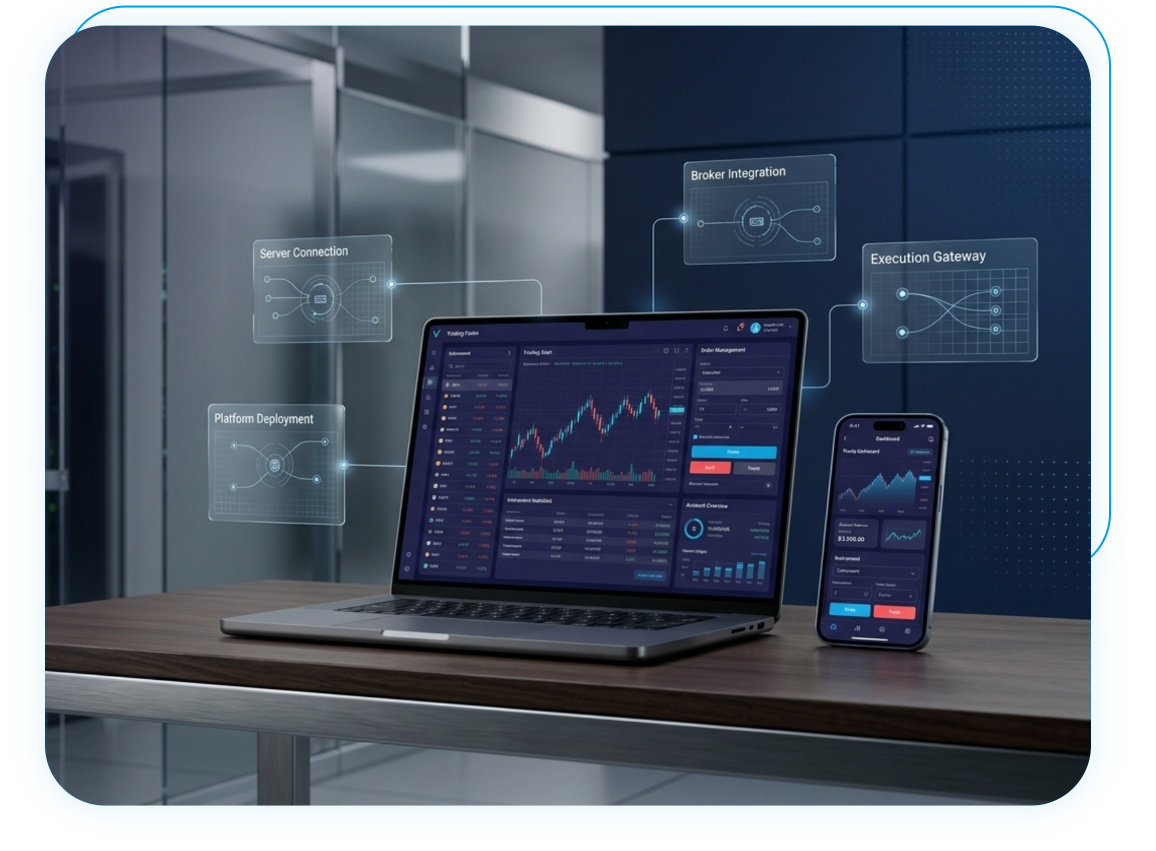
Ensuring your trading interface is correctly configured is essential for professional market participation. Our technical support team is available to walk you through the nuances of MT4 and MT5, from initial installation to advanced workspace customization. We focus on building your technical readiness so you can interact with your broker’s infrastructure with absolute clarity and confidence. Contact us today to arrange your platform orientation session.
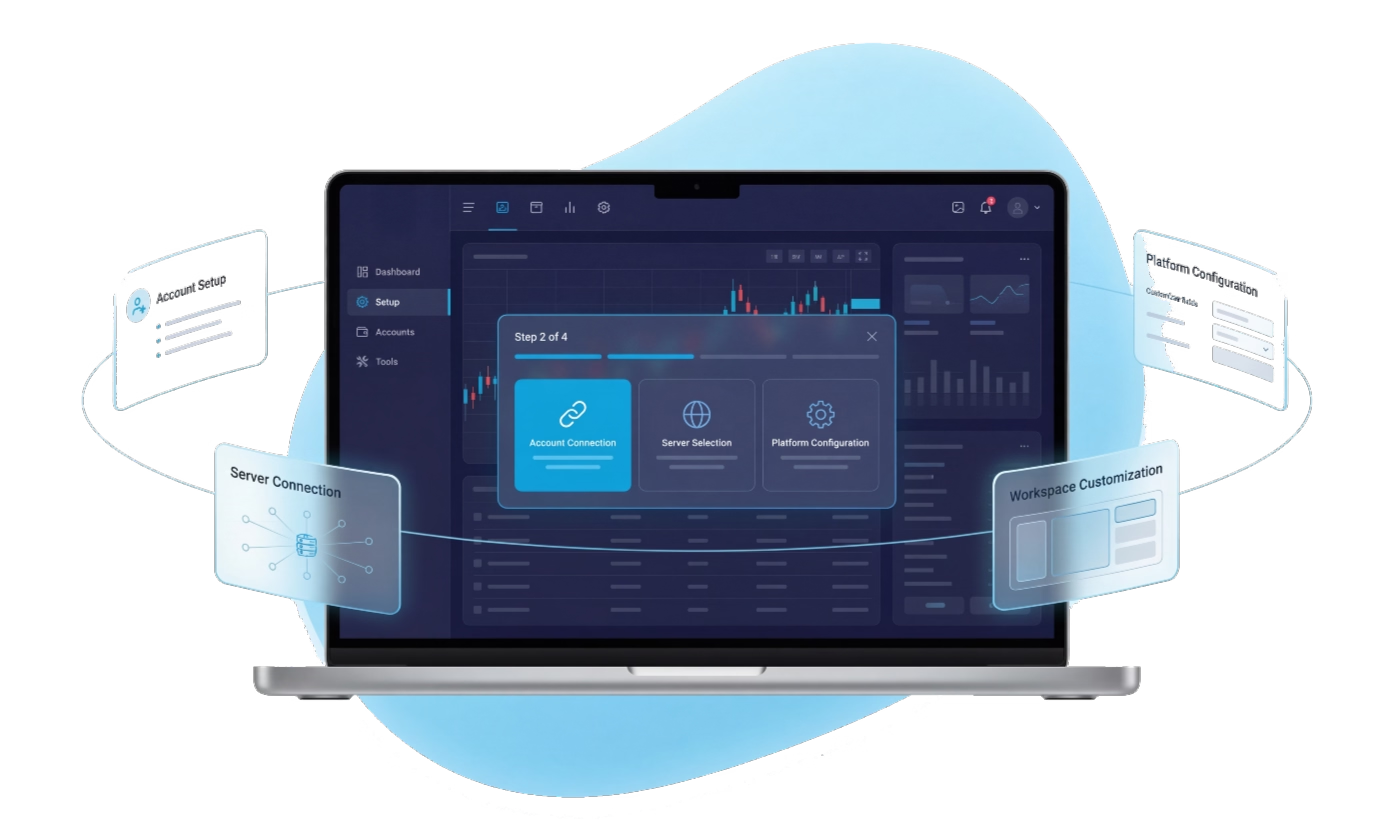
Technical proficiency in MetaTrader 4 and 5 serves as the bridge to active market participation. Once your platform is correctly configured and synchronized with your broker's server, it is essential to understand the assets you will be monitoring. VictoryLine provides deep-dive insights into global market structures, including Forex and Cryptocurrencies, which can be tracked directly through your newly set-up interface. By moving from technical setup to asset-specific research, you ensure that your use of the platform is purposeful and aligned with current market dynamics. This progression allows you to apply your technical setup skills to real-world data environments.
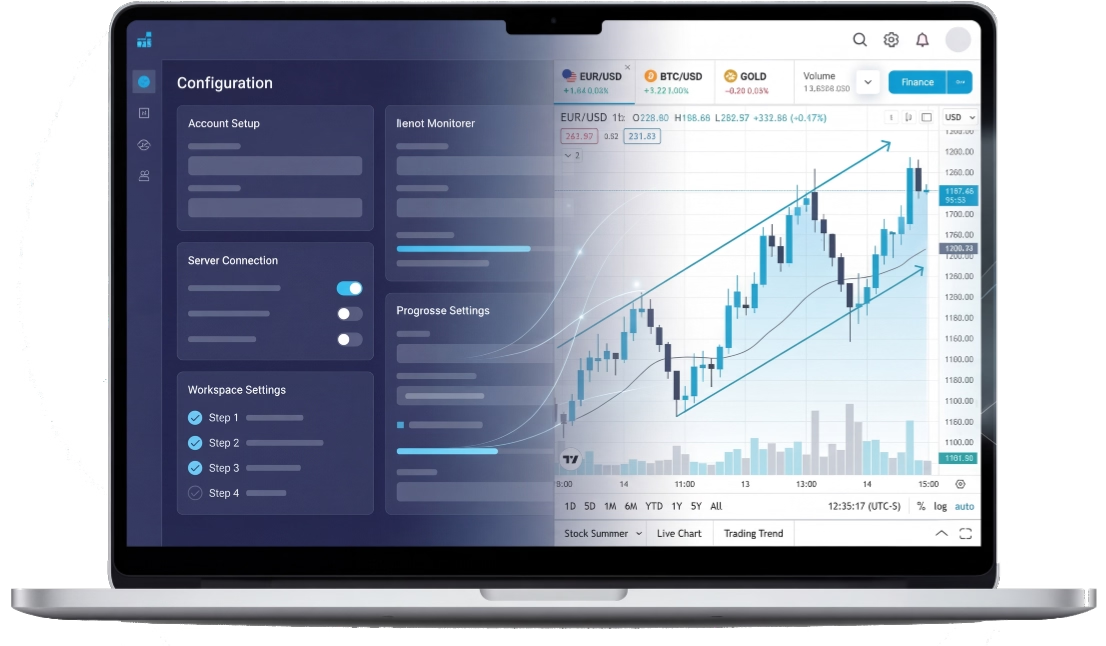

VictoryLine Introduction Financial Services L.L.C
VictoryLine Introduction Financial Services L.L.C acts exclusively as an SCA-Regulated Financial Introducer and Consultant.


Regulated by Securities and Commodities Authority (SCA) | License : 20200000252

